
How it works
Two pins, one price, a driver you choose.
Whether you are moving a fridge or a 40ft container, the flow is the same: request on one map, choose from the drivers who answer, and track the vehicle until it arrives.
Heading to pickup
Loaded
En route
Arrived
Tendai M. is en route
Isuzu NPR · White · AEC 4521
Receiver Rudo C. has the driver's details
How it works
Six steps from two pins to a delivered load.
Set pickup and drop-off
One map screen. Search an address or drop a pin on a site that has none. Your recent places are saved.
Choose the vehicle and trip type
Bakkie, small lorry, tipper, flatbed, crane and more. Ride along with the load, or Send it to a receiver with their name and phone.
See the price, slide to request
Base fare plus distance, vehicle and tonnage. The price is on screen before you commit. Add cargo photos and notes if you like.
Pick your driver
Nearby drivers who accept appear as cards: photo, rating, vehicle make, model, colour and plate. You choose. Offer more if you want someone faster.
Track the trip live
Watch the vehicle move, see each status change, call or chat in the app, and share your own live location so the driver finds you.
Pay the driver, rate the trip
At the drop-off the driver taps Complete. You pay the driver directly in cash or EcoCash at the agreed price, then rate them.
Two ways to move
Go with it, or send it.
Pick the trip type when you compose a request. Everything else on the trip adapts to it.
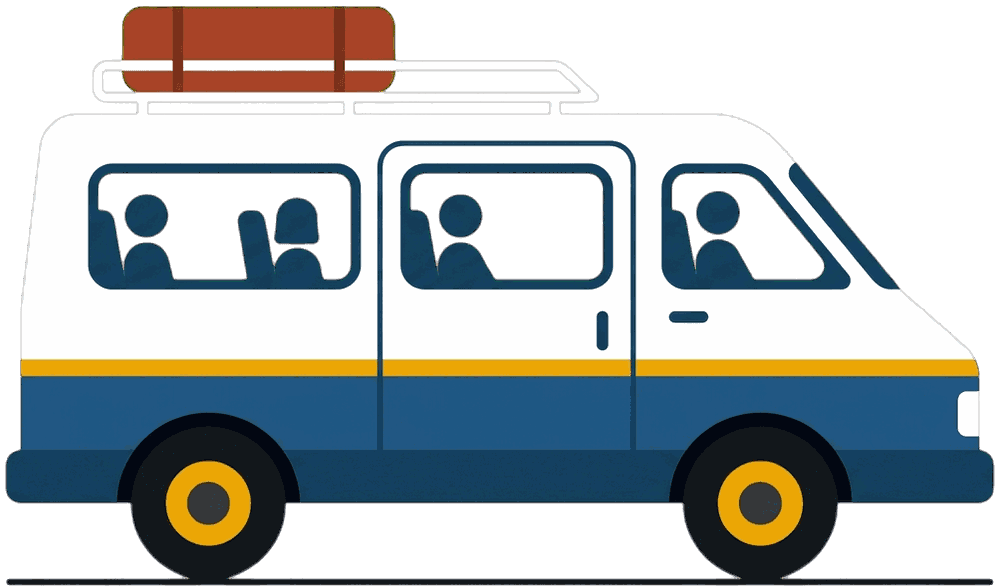
Ride along
You travel with the load.
Like a normal e-hailing trip, but in a bakkie, lorry or combi. Load together at the pickup, sit up front, and unload at the other end. Ideal for shopping runs, house moves and group transport.
- You and the goods in one vehicle
- Combis and buses for people
- Pay the driver when you arrive
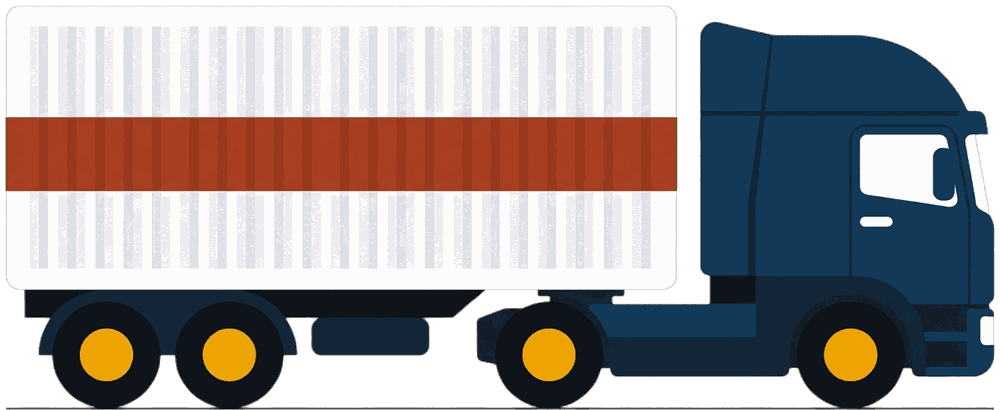
Send
The driver carries it to someone else.
Enter the receiver's name and phone. The driver can call them at the drop-off, and the receiver knows who is coming and in what vehicle. Built for shops, suppliers and sites.
- Receiver name and phone on the request
- Driver details shared on selection
- Track it from your phone all the way
Trip statuses
What you see on screen, from request to completion.
01Placed
Your request is live and offered to nearby drivers.
02Driver chosen
You picked a driver from the cards. Their details and vehicle are now on your screen.
03Heading to pickup
Turn-by-turn navigation on the driver's side, live dot on yours.
04Arrived
Recorded automatically when the vehicle enters the pickup geofence.
05Loaded
One tap from the driver when the load is on.
06En route to drop-off
Track the trip, chat or call, share your location if you are the receiver.
07Completed
One tap at the drop-off. Pay the driver, rate the trip.
One app, both sides
The customer side and the driver side live in the same app.
Switch to Driver mode from the menu once you are verified. Everything below is the real product flow.
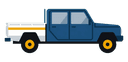
Bakkie
$31
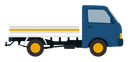
Small lorry
$38
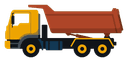
Tipper
$45

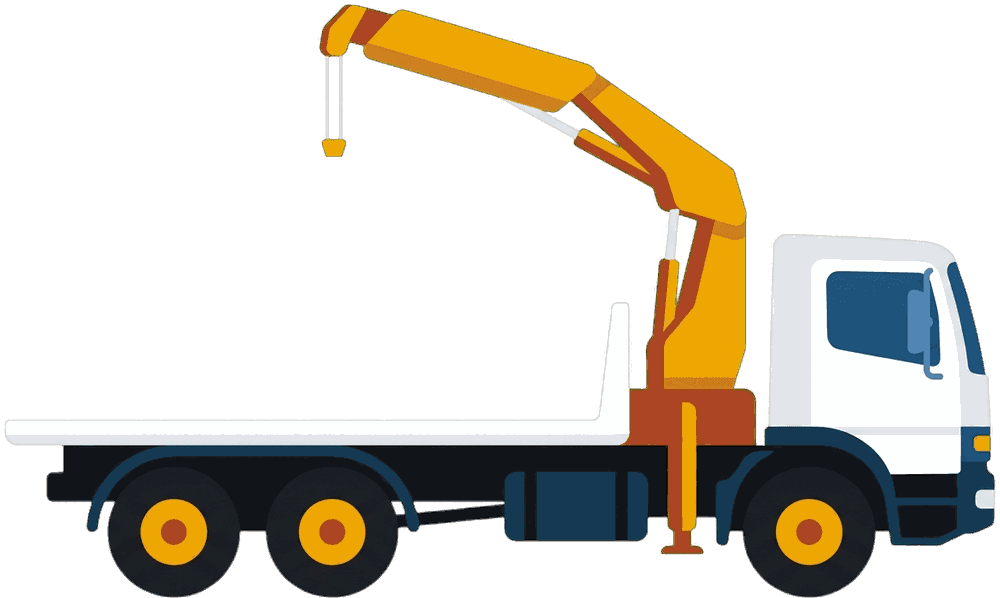
Flatbed
$45
Under the hood
- Requests are offered to every verified driver nearby, not only one vehicle type.
- Arrival at the pickup is recorded by a GPS geofence, so drivers tap less.
- Live location, chat and status updates travel over a persistent socket connection.
- Push notifications keep both sides informed when the app is in the background.
- The driver side switches to a dark theme at night automatically.
Customer questions
Quick answers to the most common questions.
Stop phoning around. Drop two pins.
Get the Movu app and request a vehicle in Harare in a minute.